

Overview
In this codelab, you will learn how to build and launch a responsive portfolio website using AXON, an open-source, agentic plugin for Spec-Driven Development (SDD).
Rather than relying on unguided "vibe coding" or raw chat prompts, you will use AXON to anchor project context, craft explicit engineering specs, execute isolated code changes, compose UI surfaces, and run automated inspection checks.
What You Will Build
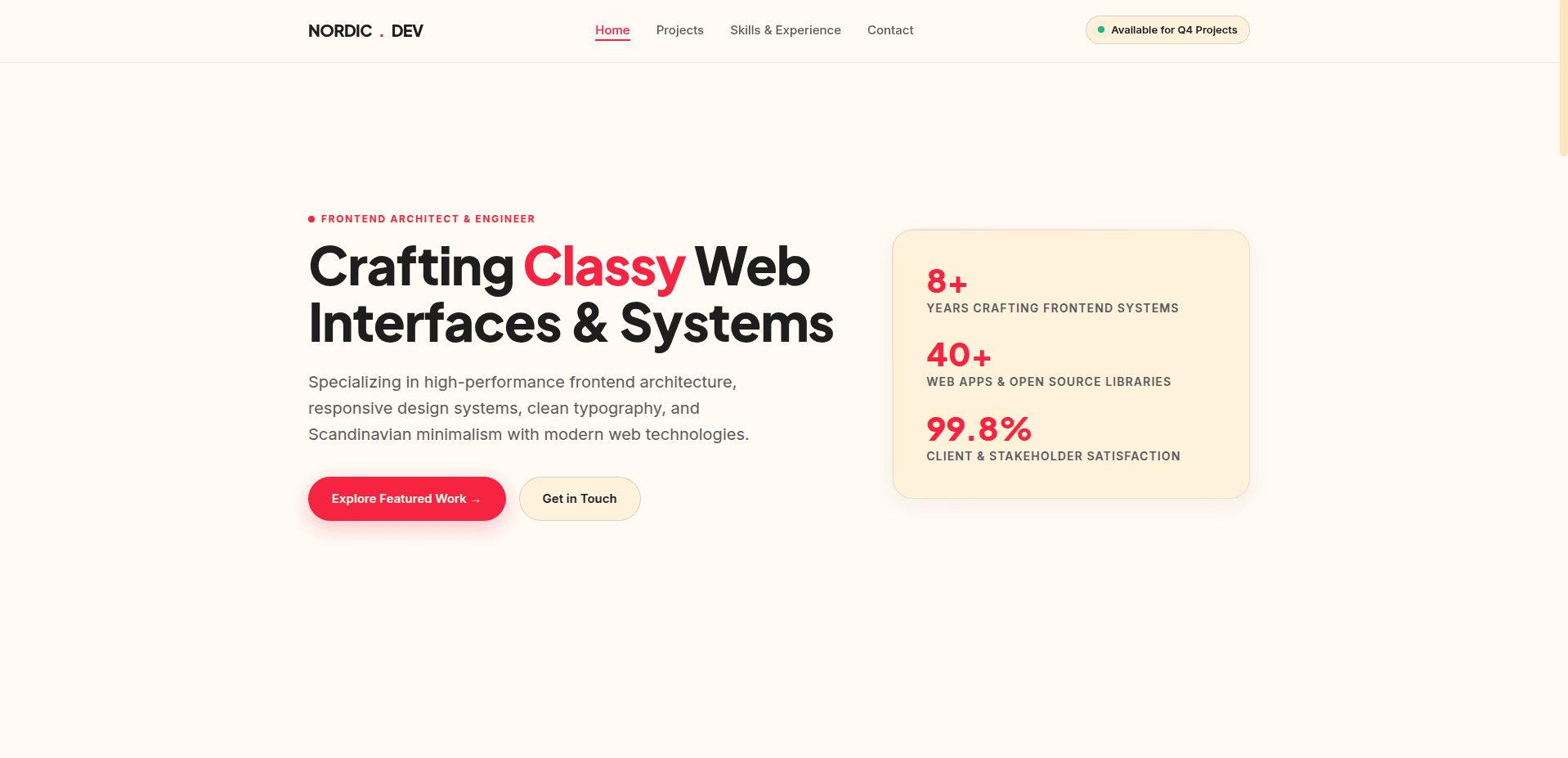
A modern, production-ready personal portfolio web application featuring:
1. An interactive hero section and bio.
2. A dynamic project showcase with filtering capabilities.
3. A structured contact form with form validation.
4. Clean, design-system-compliant UI components.
What You Will Learn
1. How to initialize project context and workflow standards using
1/axon:axon-initialize
2. How to translate feature requests into structured execution contracts with
1/axon-craft
3. How to execute code within isolated pathways using
1/axon-immerse
4. How to design high-performance frontend interfaces using
1/axon-compose
5. How to audit generated code against your specifications using
1/axon-inspect
6. How to perform git-aware recovery if a feature strays using
1/axon-revert
Prerequisites & Setup
Before you begin, ensure you have the following installed on your machine:
1. Node.js (v18.0 or higher) and npm/pnpm.
2. An AI-enabled Agentic IDE (e.g., Cursor, Windsurf, Antigravity or Claude Code).
3. AXON Plugin installed in your project root or IDE configuration.
You can always have access to the source code on Github
1https://github.com/UsaniGee/axon/tree/main/tutorials/examples/my-axon-portfolio